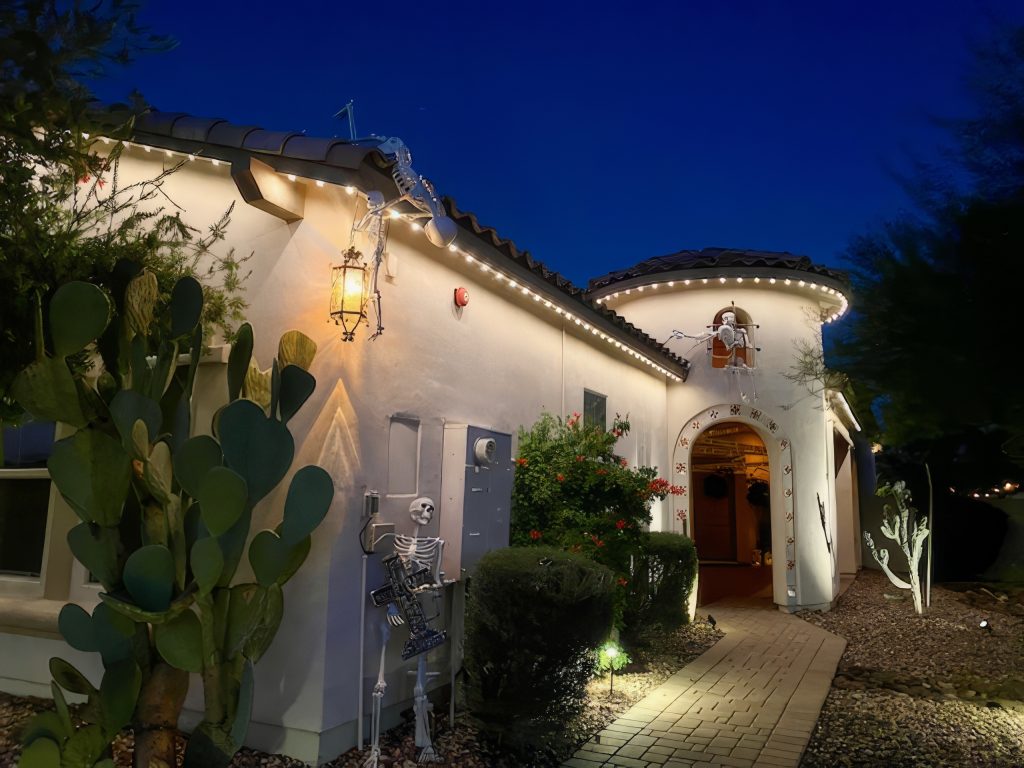
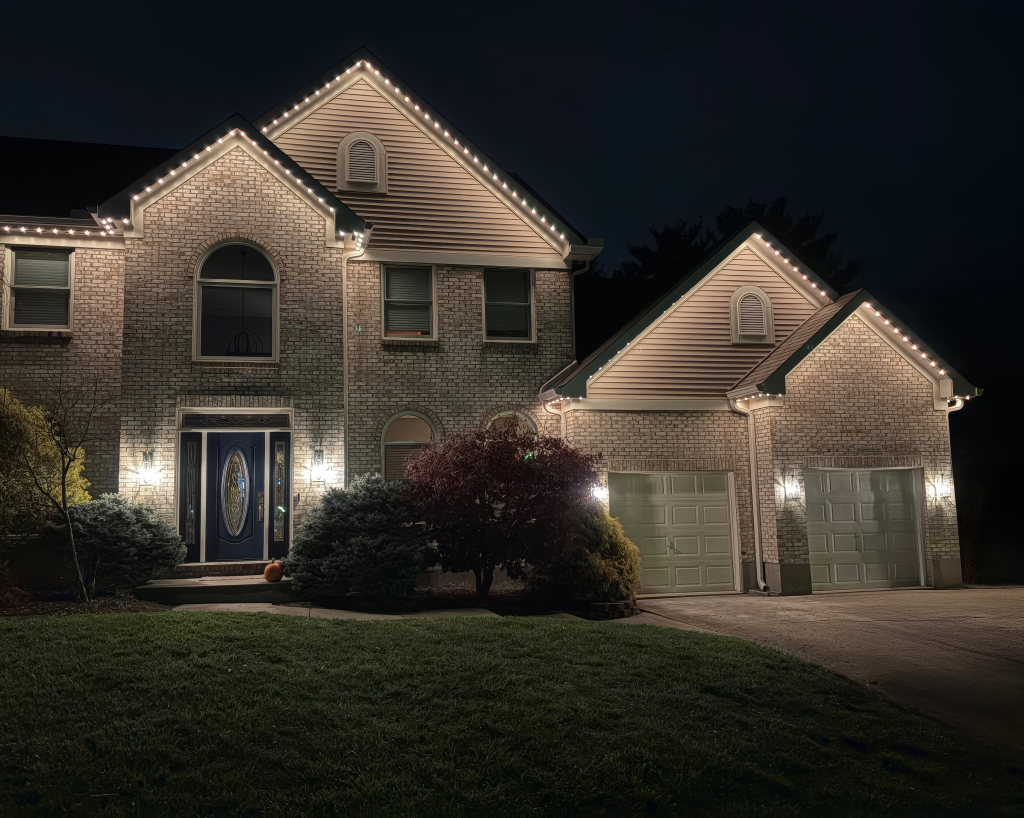
Your permanent Christmas lights should be easy to use once they’re installed. Choose a holiday look, set a schedule, and enjoy them.
That’s why we built the ShawTech mobile app and our own controller firmware. Together, they give you simple controls for colors, effects, and zones, plus cloud control without creating an account.
Whether you’re decorating for Christmas or using your permanent lights throughout the year, here’s what our new app brings to your setup.
Table of Contents
Key Takeaways
- Control colors, effects, and zones from one screen.
- Choose from dozens of effects and preloaded holiday presets.
- Create schedules for holiday and everyday lighting.
- Control your lights from anywhere with an internet connection.
- Pair your phone or tablet without creating an account.
- Get ongoing improvements shaped by customer feedback.
Try the ShawTech Mobile App
Explore our interactive demo to see how the controls work before buying a kit. No lights required. Note: It’s best if used on a computer or tablet.
Why We Built Our Own Permanent Lighting App
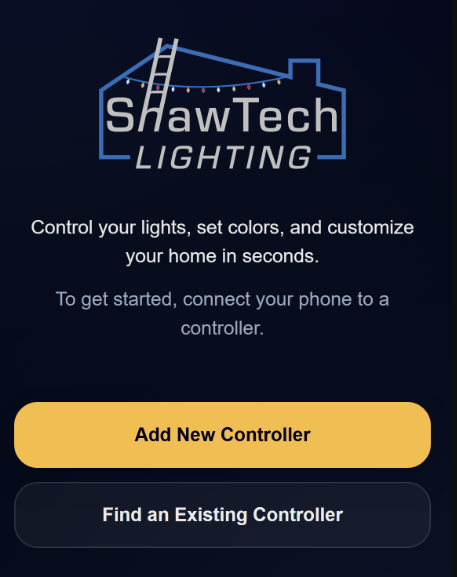
Our goal has always been to make DIY permanent Christmas lights easier. That includes what happens after installation.
For years, our controllers used WLED, an open-source LED control platform. It remains a useful option for people building their own lighting systems from scratch.
We wanted to build an experience around how our customers use their lights. Picking holiday colors, adjusting sections of the house, and creating schedules should be straightforward. WLED could do all this, but it wasn’t the most user-friendly in some respects.
Our own app and firmware let us improve that experience directly. When customers ask for a feature or tell us something could work better, that feedback helps guide what we develop next. And we’re constantly updating and adding new features based on feedback!
Colors, Effects, and Zones on One Screen
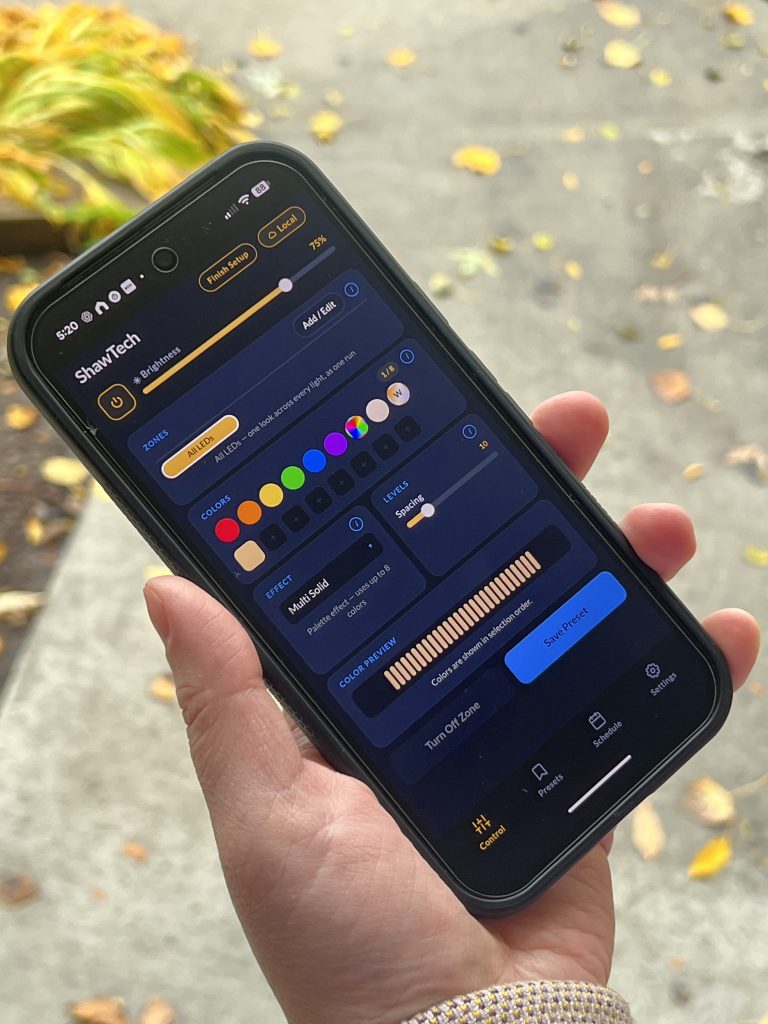
When designing the app, we took into account a lot of what WLED did well, and what it did poorly. One thing we did not like about WLED and many other companies’ apps is needing to swtich between tabs and screens when setting up the colors and effects on your lights. So we designed it in a way that all of that is done from a single screen, all without feeling too cluttered.
Now, creating a lighting look usually takes a few adjustments. Choose an effect, pick its colors, and decide where you want it to run. And all on one, single screen!

Holiday Presets Without the Guesswork
Sometimes you want to build your own color combination. Other times, you just want the house ready for Halloween.
The app includes dozens of effects and preloaded presets for various holidays. Choose a ready-made look, or customize colors, effects, and zones to make it your own. And if you have any recommendations of presets, you want included by default, just let us know and there’s a good chance we’ll add it!
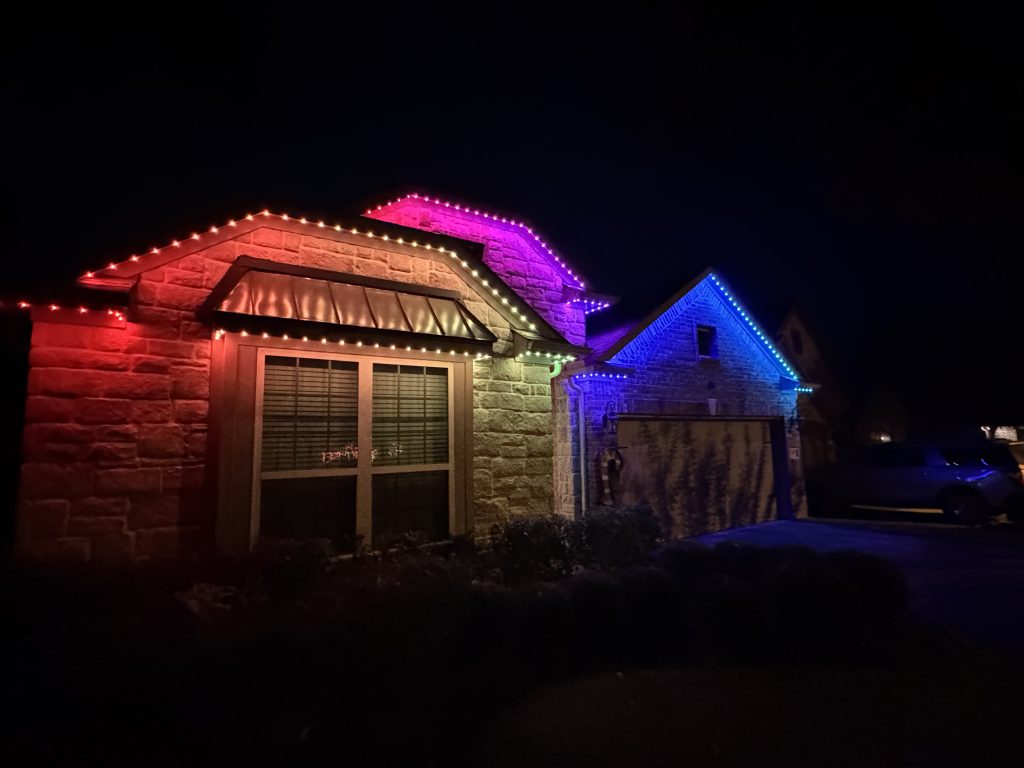
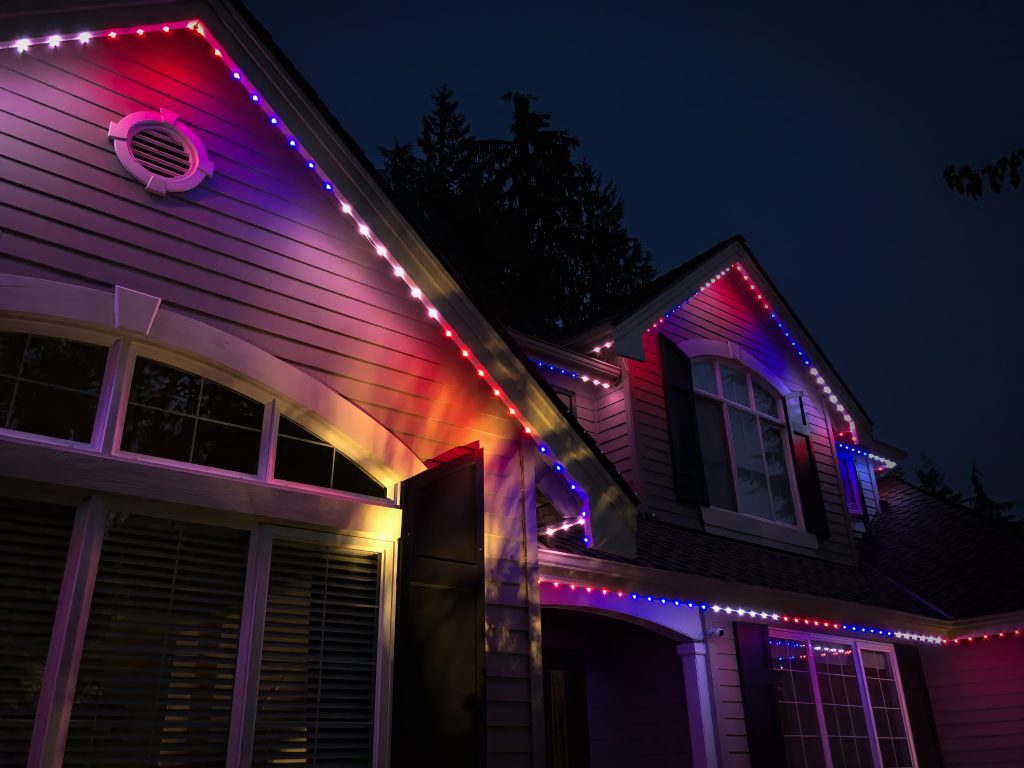
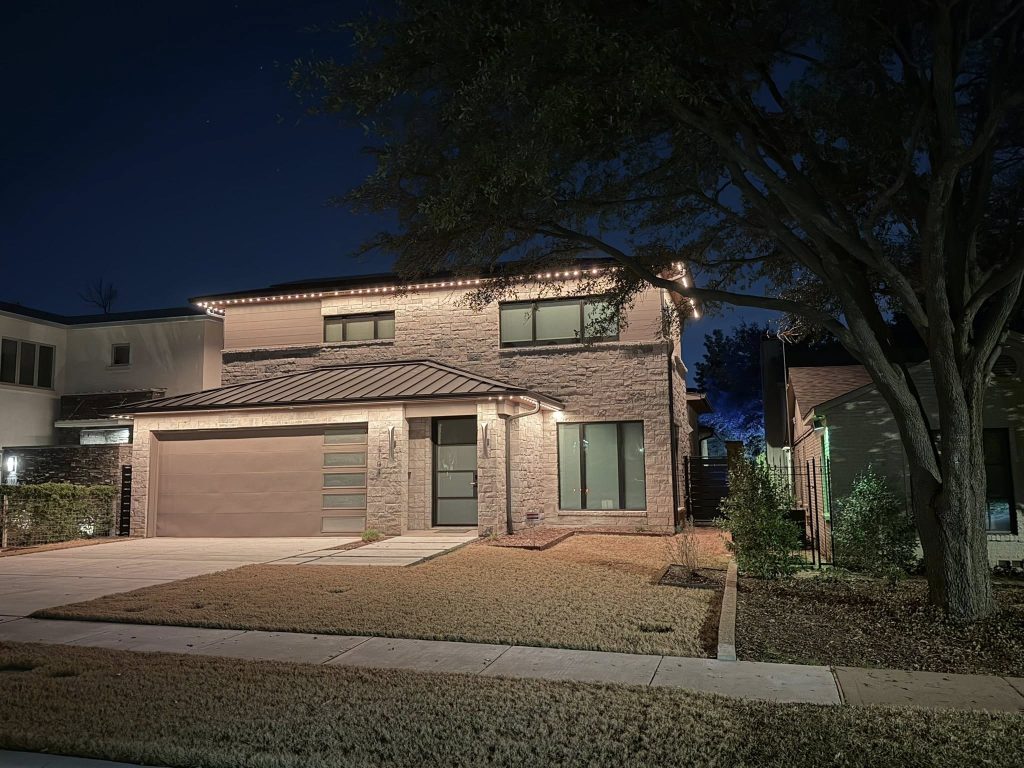
That flexibility works with both our 12mm RGB permanent Christmas lighting kits and 30mm RGBW permanent outdoor lighting kits.
Pick the light style that suits your home, then change its look throughout the year. The ladder gets to stay put.
Easy Scheduling for Permanent Lights
For those of you coming from WLED, this will be a HUGE improvement. We love WLED, but you can tell it was designed by engineers with minimal UI experience. Why they created the scheduler the way they did, I have no idea! Here’s a peak at our new scheduler!


Scheduling is now super easy, and very intuitive. You can set an on time, an off time, or just tell it to leave the lights on without an off time.
Cloud Control Without Another Account
Away from home and want to change your lights? Cloud control lets you manage them through the ShawTech mobile app.
Connect your controller to your home Wi-Fi and pair your phone or tablet with your lighting system. There’s no account to create and no extra login to remember.
Once paired, you can control your permanent lights remotely when your controller and mobile device have internet access.
Our Own App, Firmware, and Cloud Service
The mobile app is what you use to control your lights. Firmware is the software inside the controller that runs them.
We develop both, along with the cloud service that supports remote control. That means we can improve the software on both sides of your lighting system.
If you’d like more background, our ShawTech app and firmware overview explains the technology behind it.
We plan to keep improving the app and firmware, adding features and refining the controls based on customer feedback.
Have an idea that would make your lights easier or more useful? Send us your suggestion.
Already Own a ShawTech Kit With WLED?
Older ShawTech controllers may still run WLED. Those controllers should continue using the appropriate WLED app and instructions until they’re upgraded.
The ShawTech mobile app requires ShawTech firmware. Downloading the app alone won’t change the software on your controller.
Interested in upgrading? Email support@shawtechlighting.com. We’ll help you check your controller and explain the next steps.
FAQ: ShawTech Mobile App
How do I control ShawTech permanent Christmas lights?
Controllers running ShawTech firmware use the ShawTech mobile app. It lets you choose colors, effects, and holiday presets, customize zones, and create schedules.
Older controllers running WLED use their legacy app and instructions until upgraded.
Do I need to create an account?
No. You pair your phone or tablet with your lighting system without creating an account.
Can I control my permanent lights away from home?
Yes. Cloud control lets you manage your lights remotely when your controller and mobile device have internet access.
Does the app include holiday lighting presets?
Yes. The app includes preloaded presets for various holidays, along with dozens of effects and controls for creating your own look.
Does ShawTech support Alexa or Home Assistant?
Not currently (as of Oct 2026). Home Assistant and Alexa support are planned for future updates.
Can I sync my lights with music?
No. ShawTech firmware and the mobile app do not support music syncing or integration with light-show software. Our kits focus on holiday and everyday lighting.
Does the ShawTech mobile app work with WLED?
No. Your controller needs ShawTech firmware to work with the ShawTech mobile app. Contact us if you’d like help checking whether your controller can be upgraded.
Will you add more features?
Yes. We plan to continue improving the app and firmware, with customer feedback helping guide future updates.
Still Planning Your Permanent Lighting Setup?
The app is one part of the system. The lights, mounting channel, and installation approach also affect the finished result.
These guides can help you compare your options:
- DIY vs Professional Permanent Lighting: Compare installation effort, cost, and what each approach involves.
- ShawTech vs Govee Permanent Lights: Compare mounting, appearance, and everyday use.
Explore the ShawTech Mobile App
See the app overview for more details and current download information. You can also check out